Your whole financial picture, in one place.
Every bank, card, investment and CPF dollar adds up to one net worth. Split each payday. See where the money went. All of it stays on your phone.
Three steps to a clearer picture.
Set up takes a few minutes. Onboarding walks you through each one.
Add your accounts
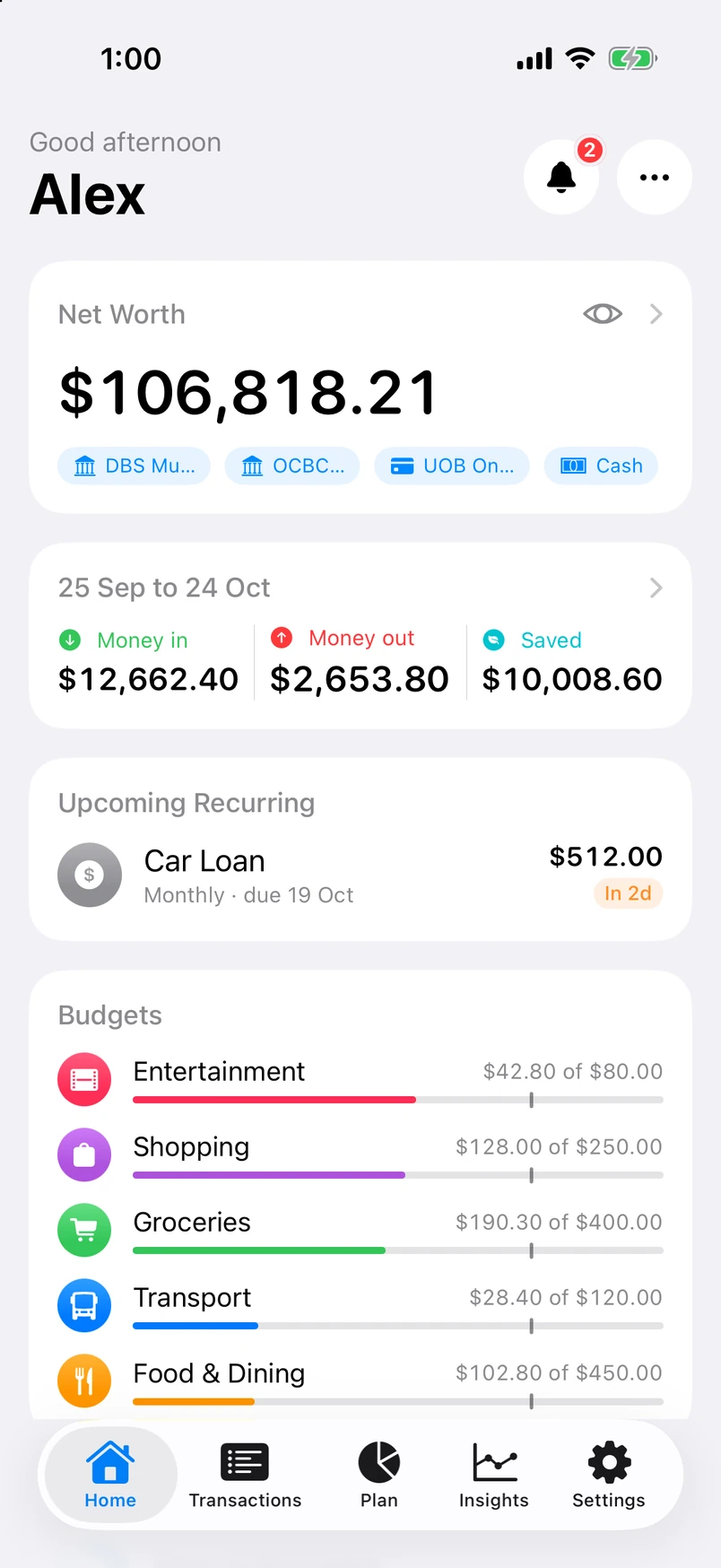
Banks, cards, cash, wallets, brokerage, CPF and loans. Vaunt adds them into one number and blurs it with a tap when someone glances over.
Split your payday
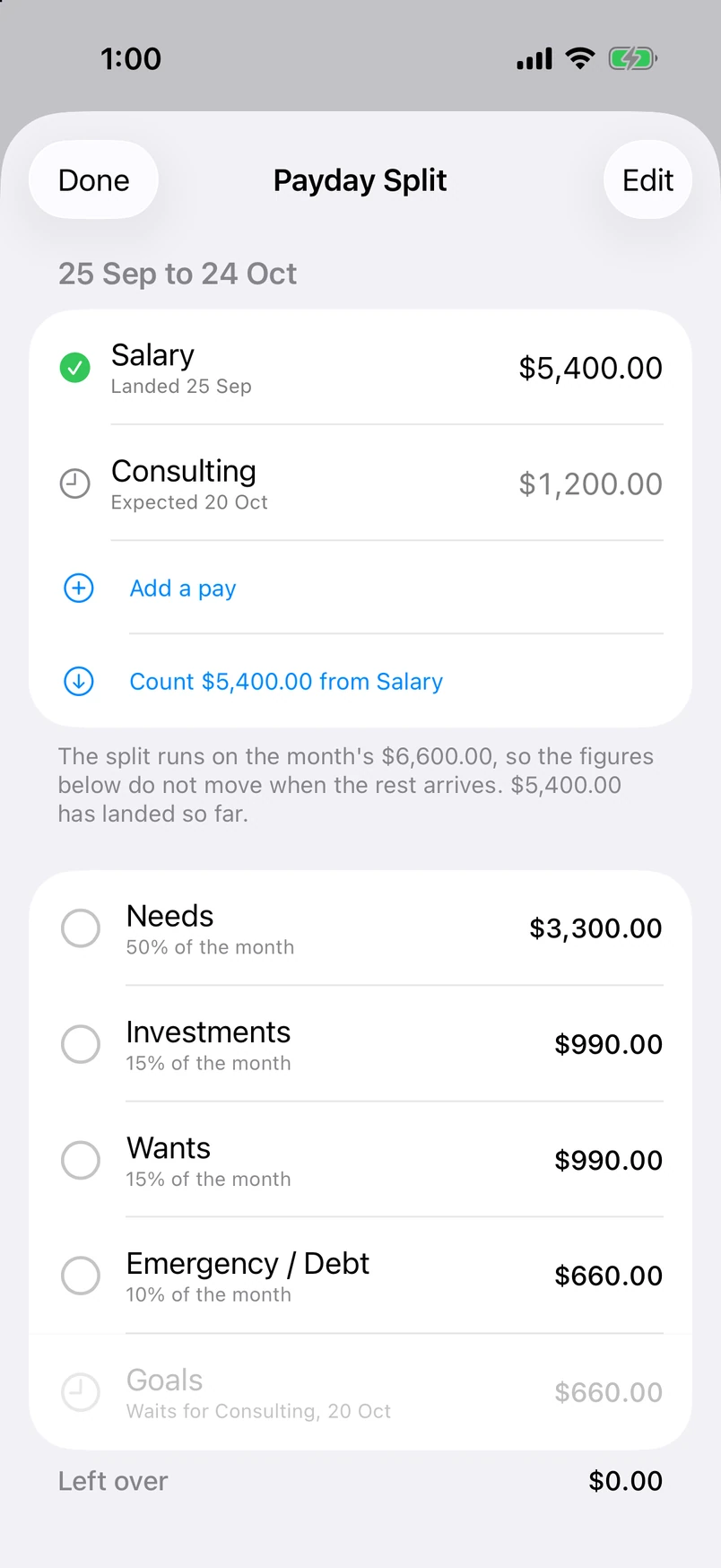
Pick the day you get paid. Choose a split, or use the suggested one: 50 needs, 15 investments, 15 wants, 10 emergency, 10 goals. Tick each part off as you move the money.
Log as you go
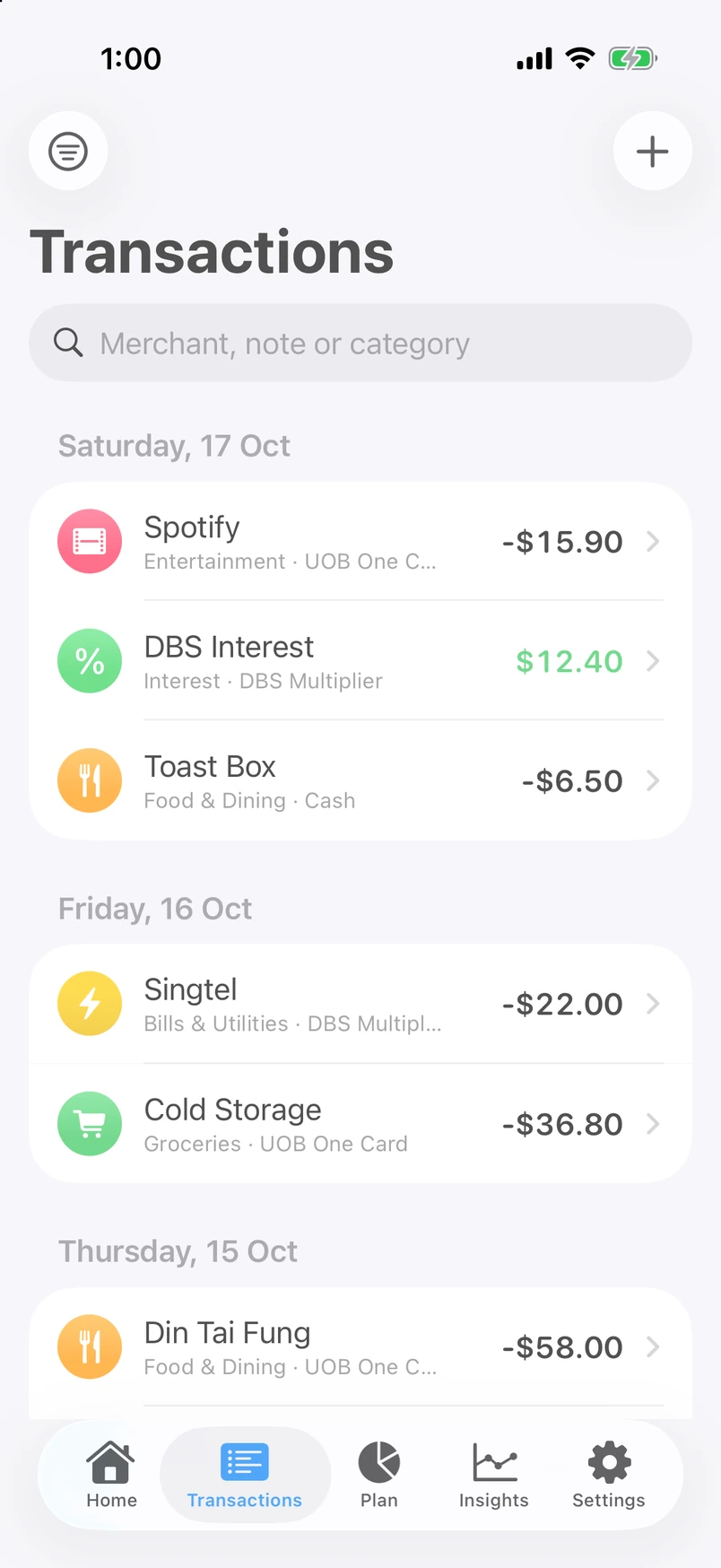
Type it in seconds. Merchant rules file it under the right category. Or point a Wallet automation at Vaunt and Apple Pay purchases log themselves.
Built for the money you have, not a bank feed.
Vaunt does not link to your bank. It records what you tell it, on your device, and turns that into the numbers you keep checking.
One net worth number
Assets minus debts, using the prices you enter for holdings and statement values for CPF. Tap the eye and it blurs, in the app and in the widget.
Recurring bills, swiped away
Rent, insurance, subscriptions and loan instalments on one list with what falls due next. Swipe right to mark one paid. Swipe left to delete.
Budgets that run payday to payday
Every limit and summary uses your pay cycle, not the calendar month. The bar tells you how far through the cycle you are.
Investment holdings, your prices
Enter your holdings and the prices you checked. Update them whenever you want; Vaunt shows when each price was last entered and calculates gains against your average cost.
Goals with a date
Set a target and a monthly amount. Vaunt estimates when you could get there, and each contribution moves the ring.
A health score you can audit
Five factors combine into an indicative score out of 100. View the calculations in the app; the score is a planning aid, not financial advice.
Backup to one file
Everything you have, in a single file you keep. Save it to Files or iCloud Drive and restore on a new iPhone or iPad. Export a PDF statement any time.
Private by default
No sign in, no server, no analytics kit, no ad network. Face ID lock is optional. The app switcher snapshot blurs your balances. Read what leaves your device, in full, below.
CPF, insurance and debts in the same ledger
Log a CPF statement and see Ordinary, Special and MediSave move. Keep every policy with its premium and renewal date. Track what you owe next to what you own.
Tools in the ⋯ menu on Home
Your money, screen by screen.
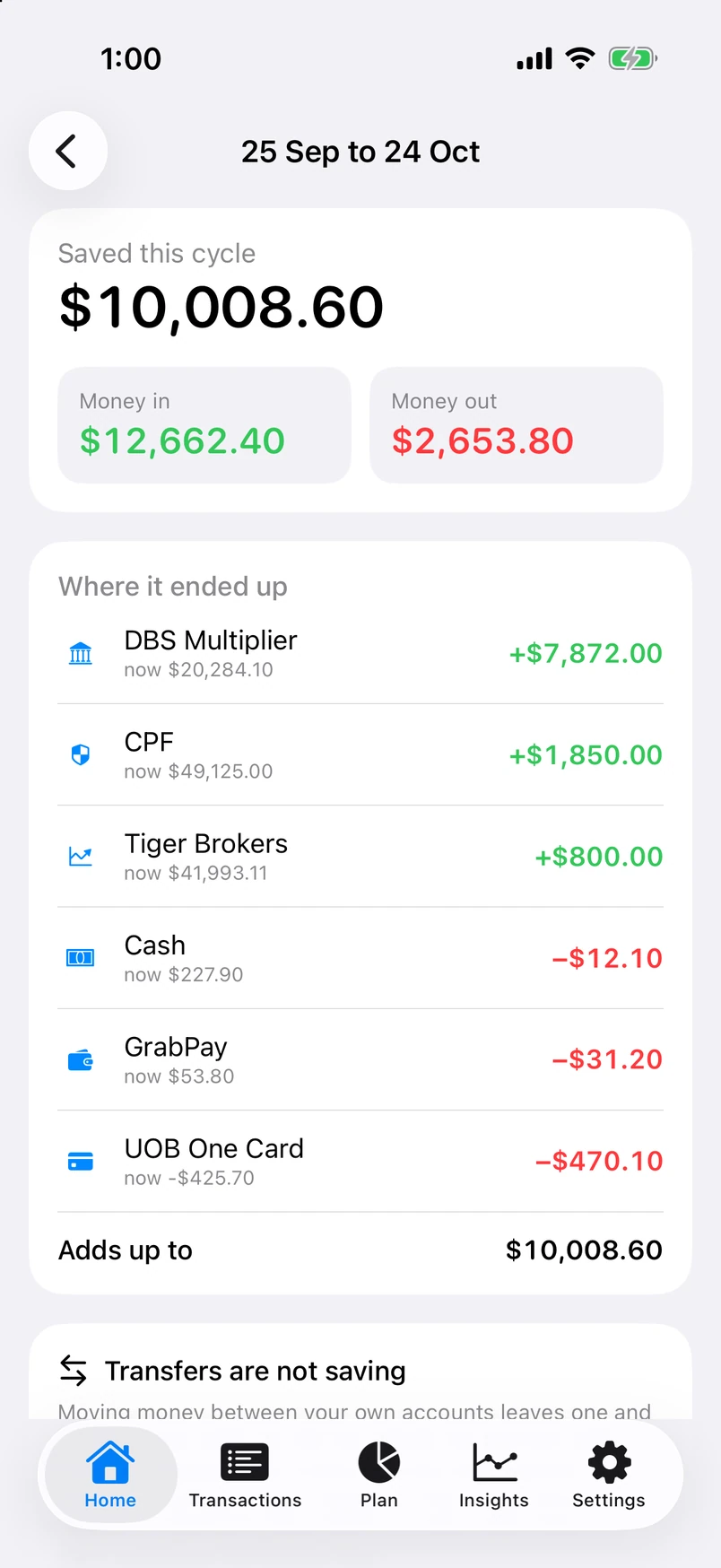
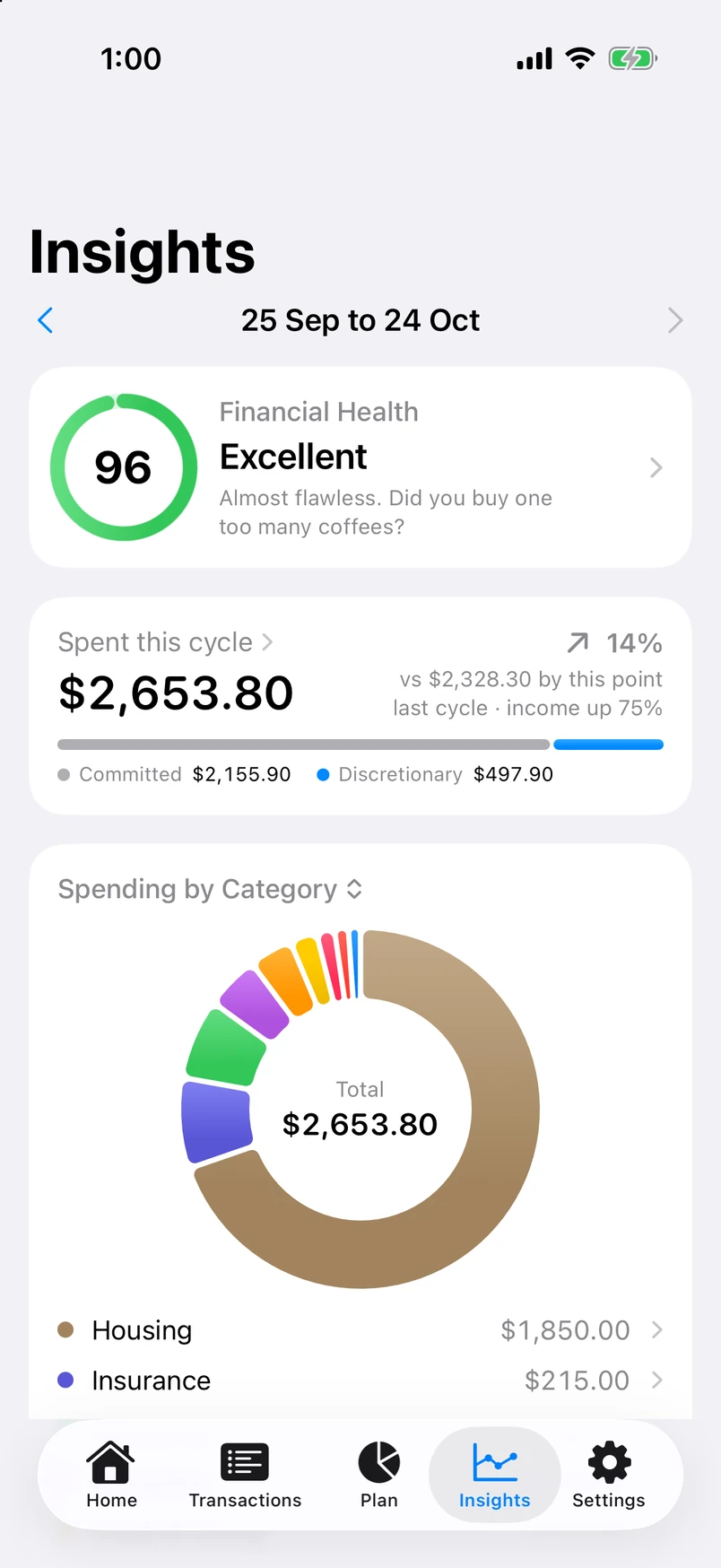
Real screens from the current app, filled with sample records. Choose an appearance, then open any screen for a closer look.
Swipe to explore all nine screens. Tap a screen to enlarge.
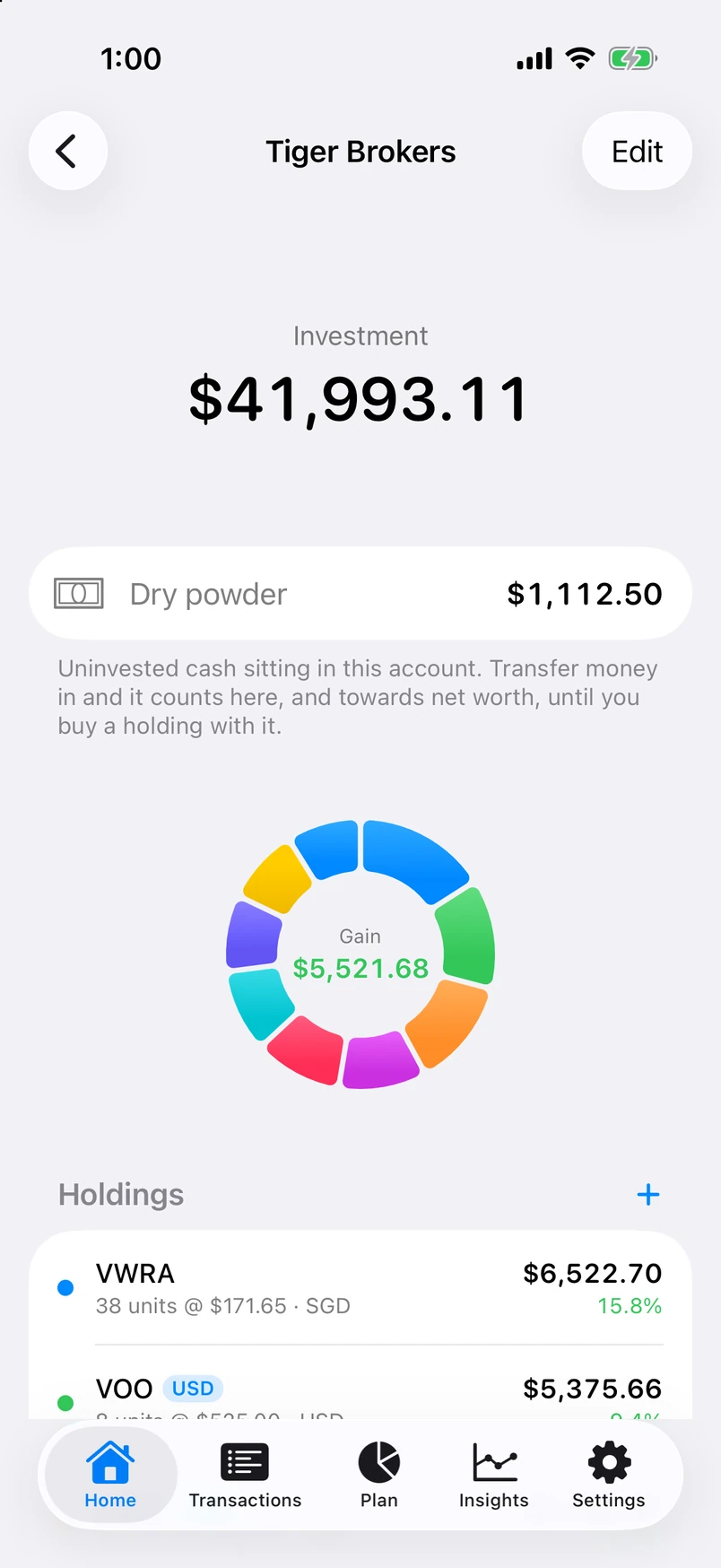
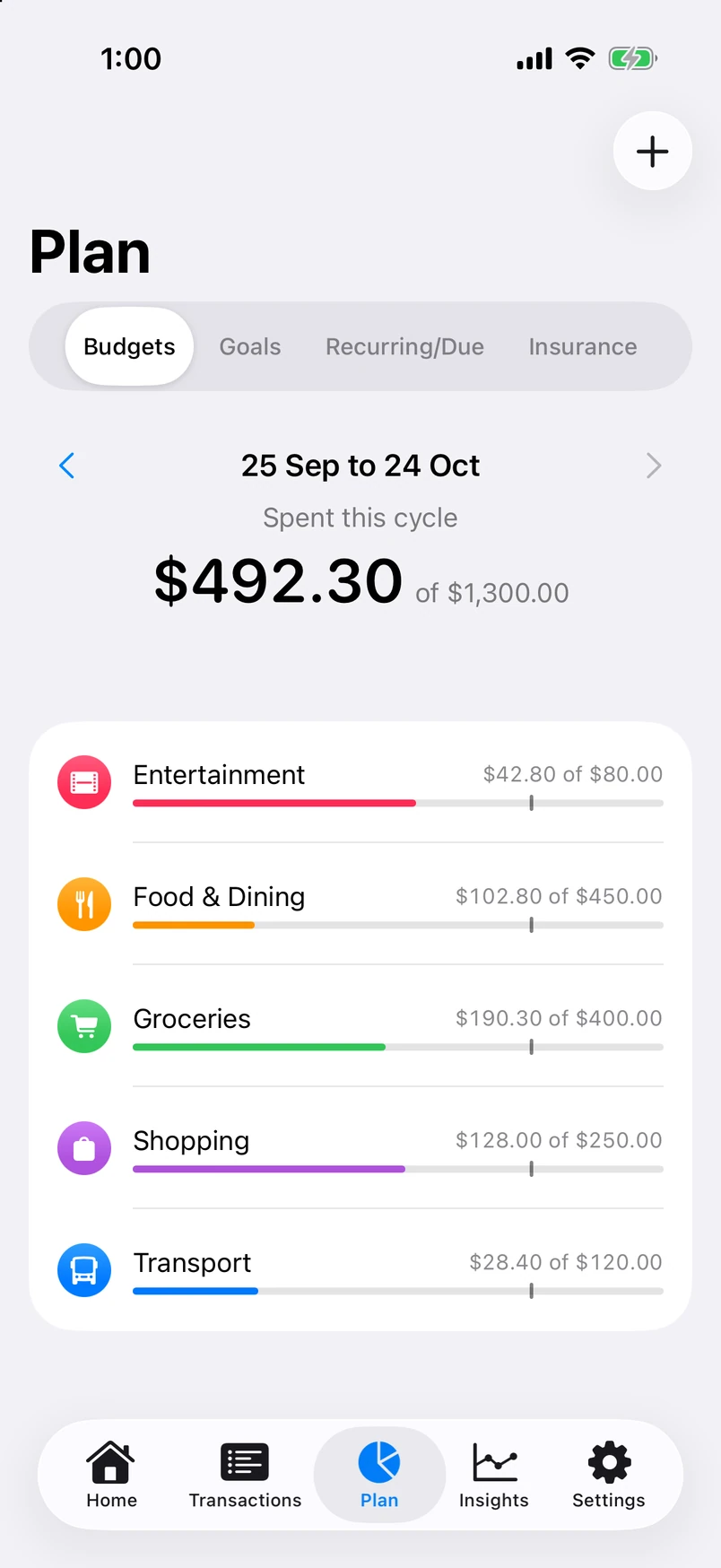
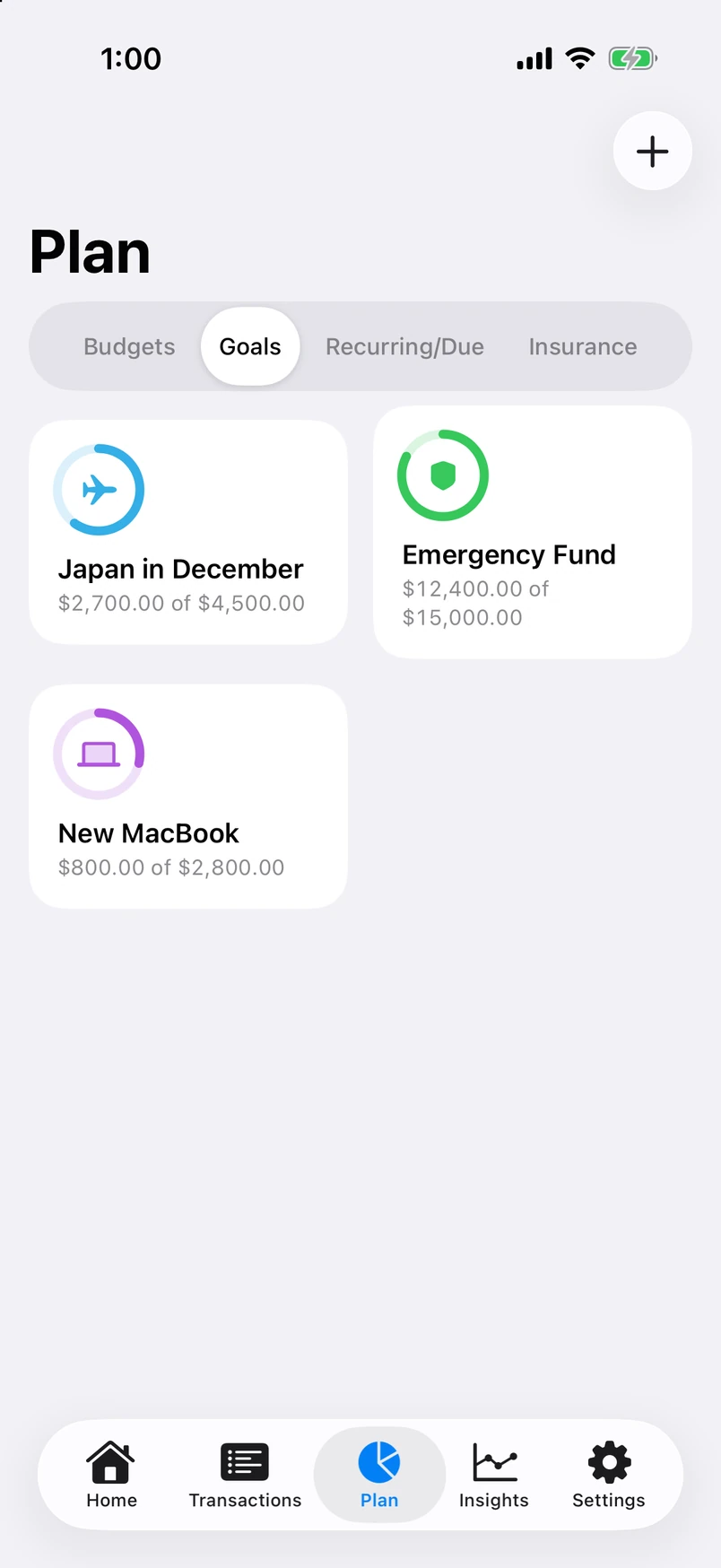
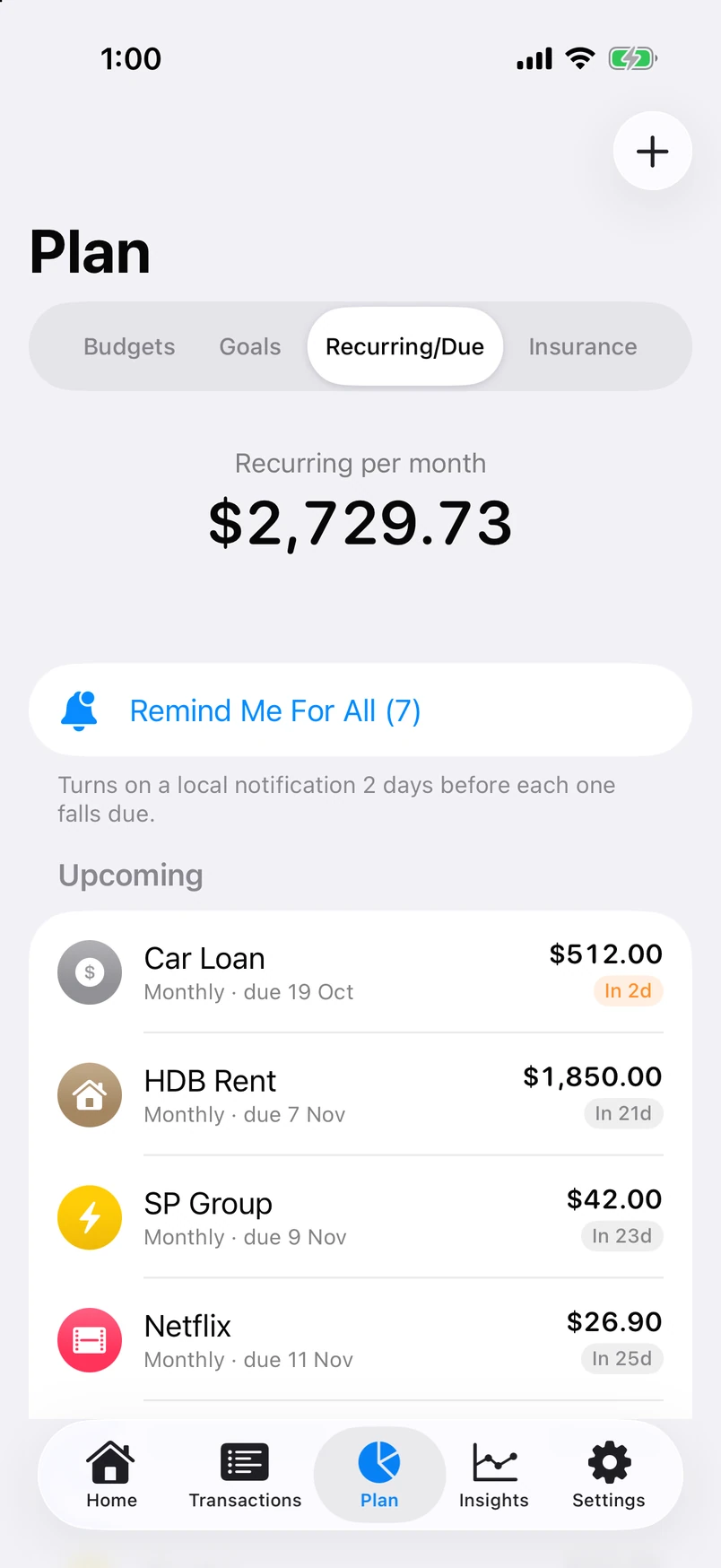
The numbers, without opening the app.
Try three interactive widget demonstrations with fictional records. Change size or appearance and log a demo purchase. This playground does not read or change your app data.
Tap a day for that day's total. Tap a category to isolate it. Tap the eye to blur the number.

Tap to pay. It logs itself.
iOS has no way for an app to read your Wallet history, so Vaunt takes the data the other way round. A Wallet automation fires after each Apple Pay payment and hands the merchant, amount and card to Vaunt's Log Transaction action. It runs silently, files the purchase under the right category with the same rules as everything else, and never pulls you into the app at the terminal.
"Log a transaction in Vaunt" to Siri.- Open Shortcuts, go to Automation and add a new one.
- Pick Wallet. On older iOS it is called Transaction. Choose the cards you want logged.
- Add Vaunt's Log Transaction action and set it to Run Immediately.
- Each Wallet card maps to an account in Vaunt. Set that once in Settings.
Your financial records stay on your device.
Vaunt has no accounts, no sign in, no analytics, no crash reporting, no advertising and no third party software kits. The developer receives no information about you, your records, or how you use the app. There is no server that holds any of it.
Vaunt checks exchange rates when its cache is stale, usually once a day, and iOS checks Pro purchases with Apple. Investment prices are the ones you enter; Vaunt never sends your ticker list for pricing.
Before you download
How is Vaunt Pro purchased?
Does Vaunt connect to my bank?
Which devices does it run on?
Is it built for Singapore?
What happens when I get a new phone?
How does the Apple Pay logging work?
Is this financial advice?

See your whole picture in Vaunt.
Explore how accounts, payday planning and widgets bring your money together on iPhone and iPad.
ExploreVaunt